HITOSHI KANNO
Hi! I'm a Gameplay Programmer.
I love creating systems to make a unique experience!
Check my projects!
Professional Projects
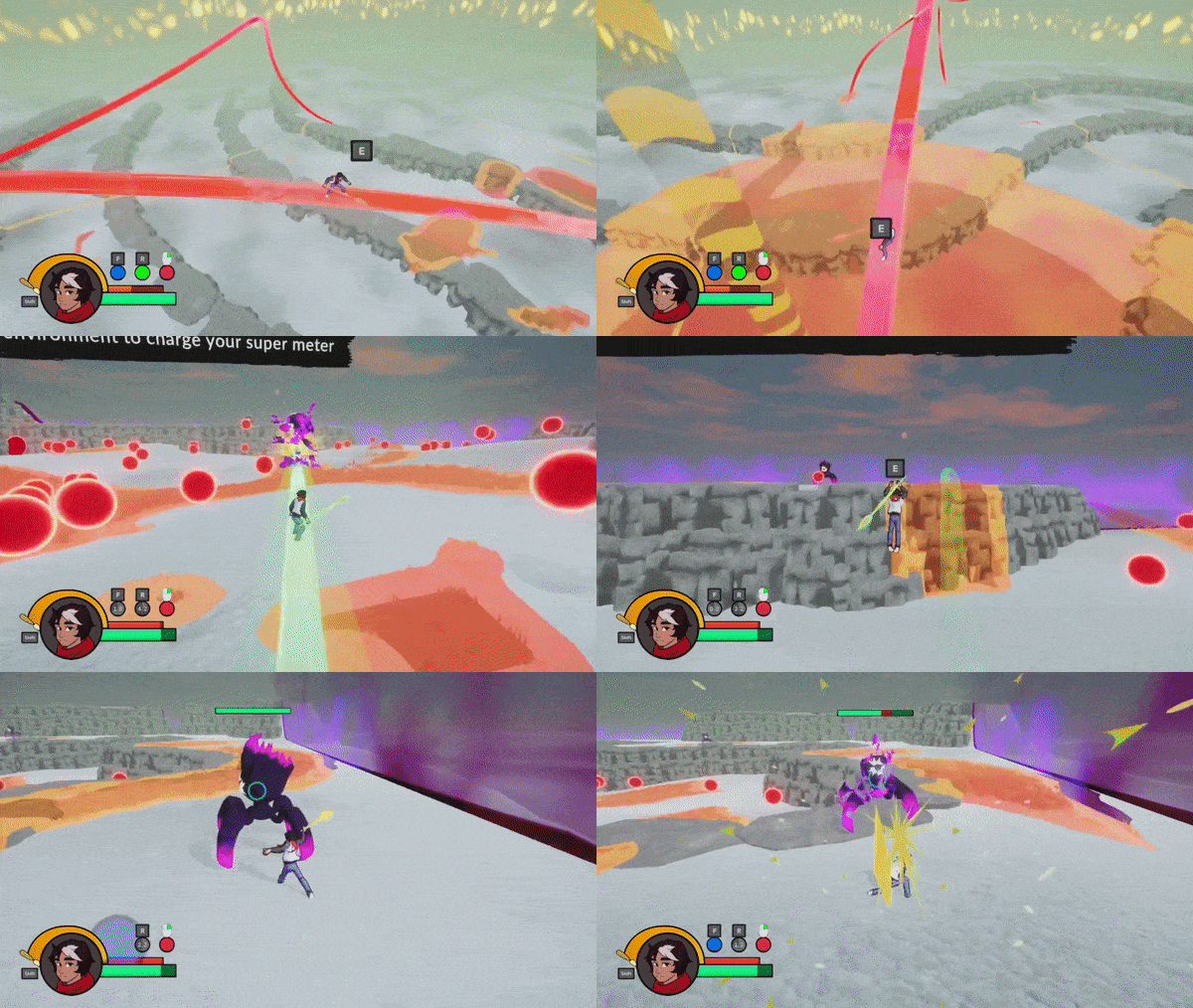
Colorful
Demo released on Steam | Personal Project
C# Unity3D | PC | Hack & Slash | Tooling | Tech Art
A project I develop in my spare time. A 3D action game that features a "parkour 3D hack-n-slash" style of gameplay where players must return color to the world.
●It features a unique movement system where the player can traverse the environment with freedom of movement!
● I implemented an anime-style cel-shading for the characters and a custom painterly look for the environments.
● I implemented the AI for all the various enemies. Each with different behaviors (both melee and range attacks) while integrating 3D models, VFX and sound seamlessly for an inmersive experience!
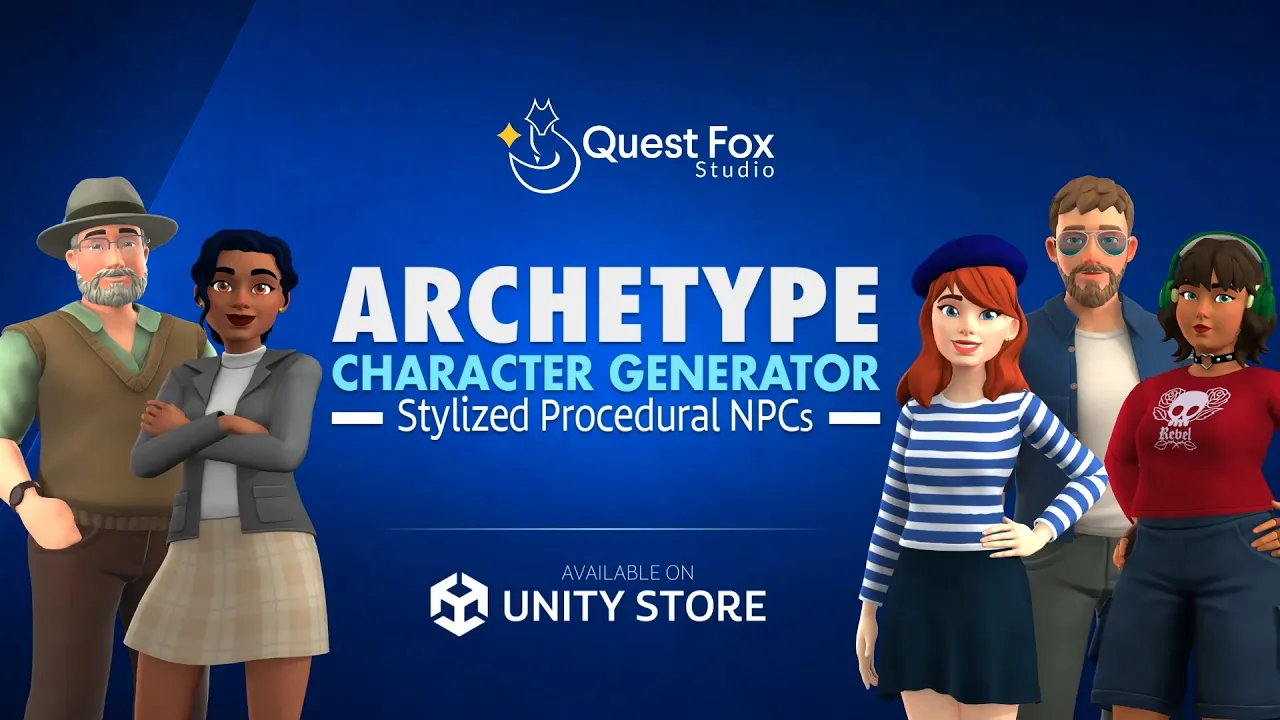
Archetype Character Generator
Tool released on Asset Store | Client: Quest Fox Studios
C# Unity3D | PC | Tooling | Optimization
I joined mid-production on a Unity tool for generating stylized characters, adding features, optimizing performance, and implementing UI.
● Built a version history system that snapshots every character change and a timeline panel, implemented from the designer's Figma boards, to restore any previous state instantly.
● Optimized the character rendering pipeline by caching clothing anchor points instead of searching the bone hierarchy at runtime, eliminating hitches when swapping clothes.
● Developed a selective randomizer with trait locking and the save/load workflow for character recipes, including overwrite protection and file name sanitization.
Quest Haven
On Indefinite Hiatus (Landing page) | Client: Mersis Games
C# Unity3D | PC & VR | Tooling | Systems Architecture
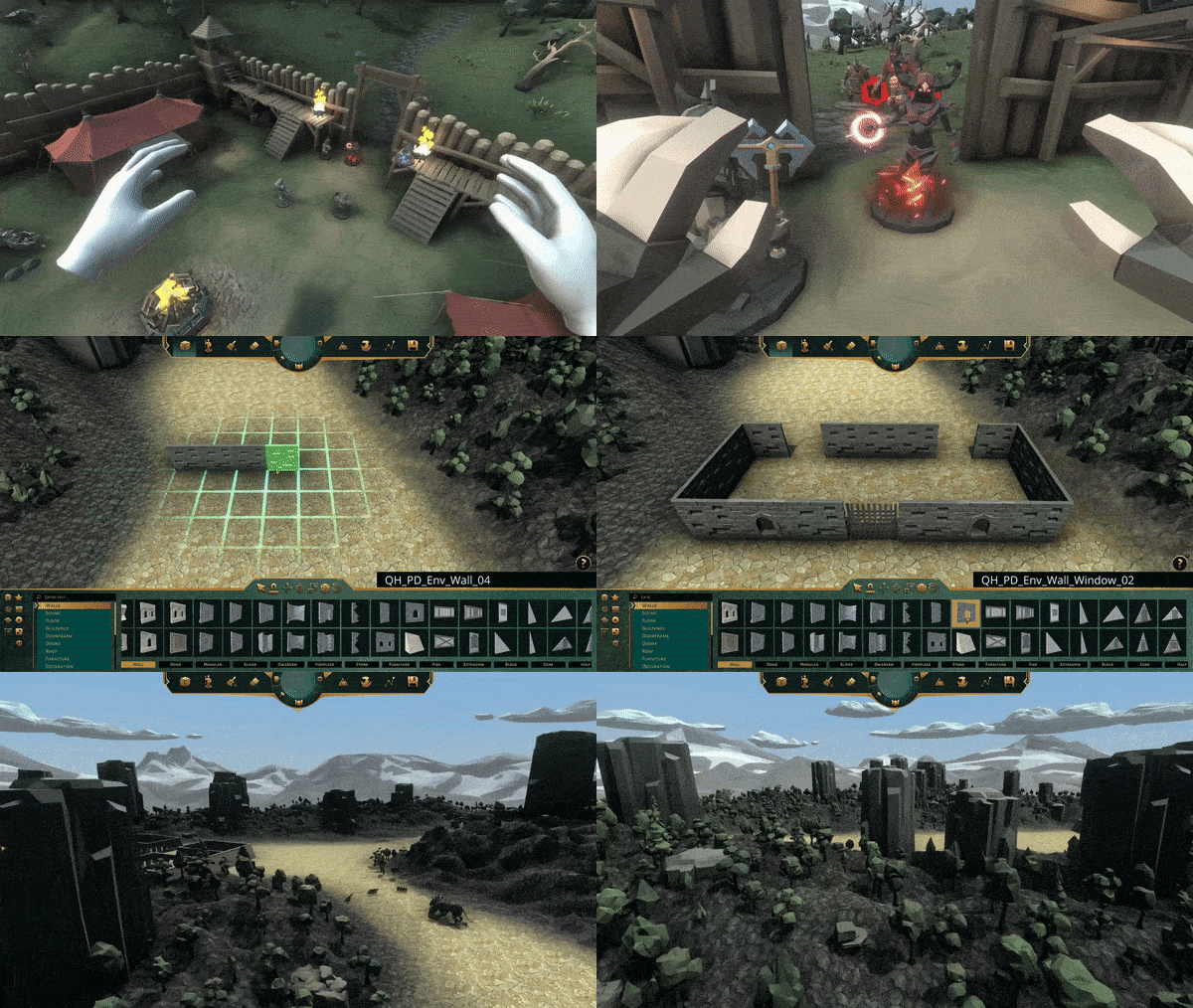
A PC and VR tabletop simulator with user generated content.I worked on this project for a couple of years. I jumped in the middle of the project so I had to learn and adapt to an existing codebase while adding many features to the game.
I contributed to different parts of the project including building systems, online functionalities for the user-generated content.
VR Projects
Appliance Visualizer
XR Developer | C# Unity3D | VR | UX | Object Interaction | UI for VR
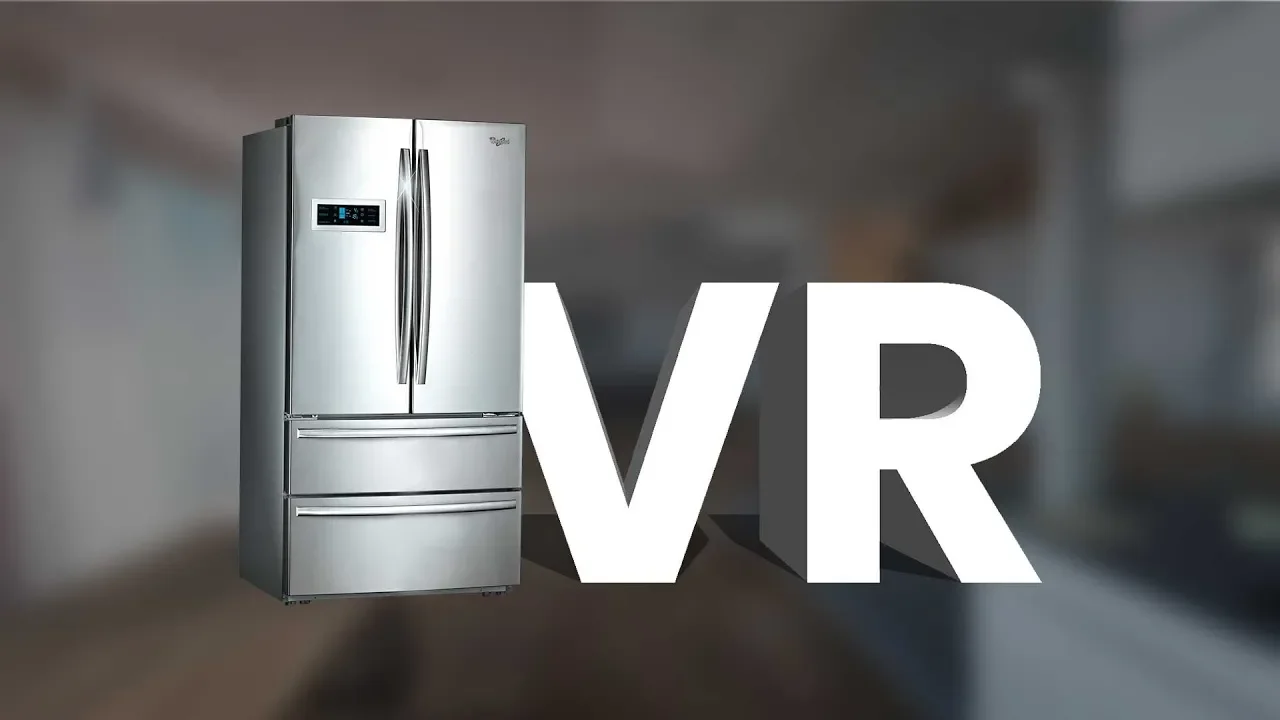
VR Experience where the user can visualize and interact with a variety of fridges. The app allows the user to also open doors, drawers and interact with the objects inside the fridge while displaying a floating UI to show more info on each product.
3D interior visualizer
XR Developer | C# Unity3D | VR | Pointer Selection | UI for VR
VR Experience to visualize room interiors. You can interact with the various objects (toilet, walls, floors, showers to change the 3D model and/or material for a deeper customization.

Prototypes
Gravity Shift Mechanic
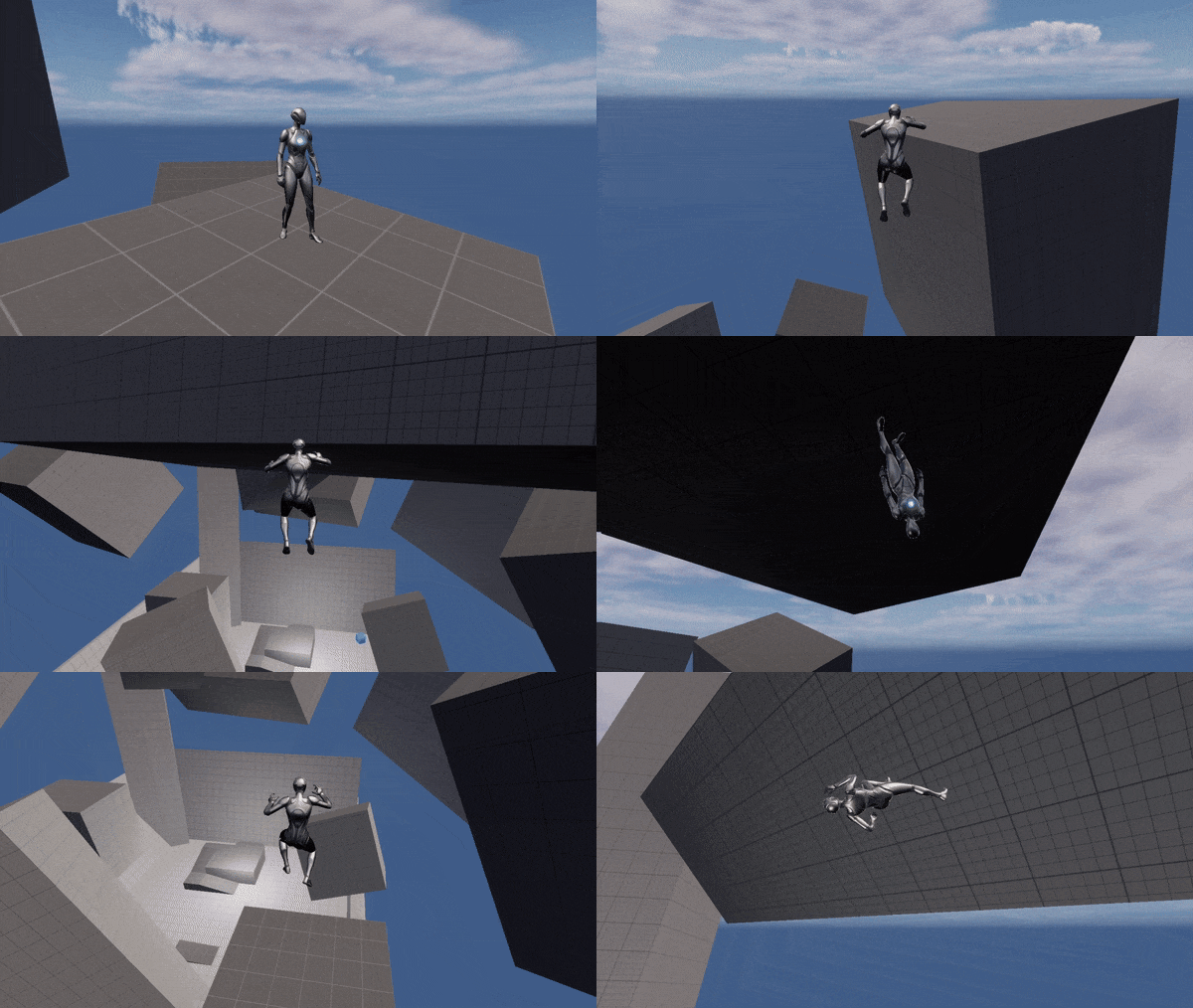
Prototype | C++ & Blueprints Unreal | PC | Character Controller | Gravity
A side project I worked on to practice Unreal.
This is based on Gravity Rush, a cult classic from PS4 where the protagonist’s powers can alter gravity! I fell in love with this unique movement system!
I developed this project mostly on C++ with a bit of Blueprints (mainly to just call the C++ functions) using Unreal 5.3.
Online Chess
Prototype | C# Unity3D | PC | Multiplayer | Mirror
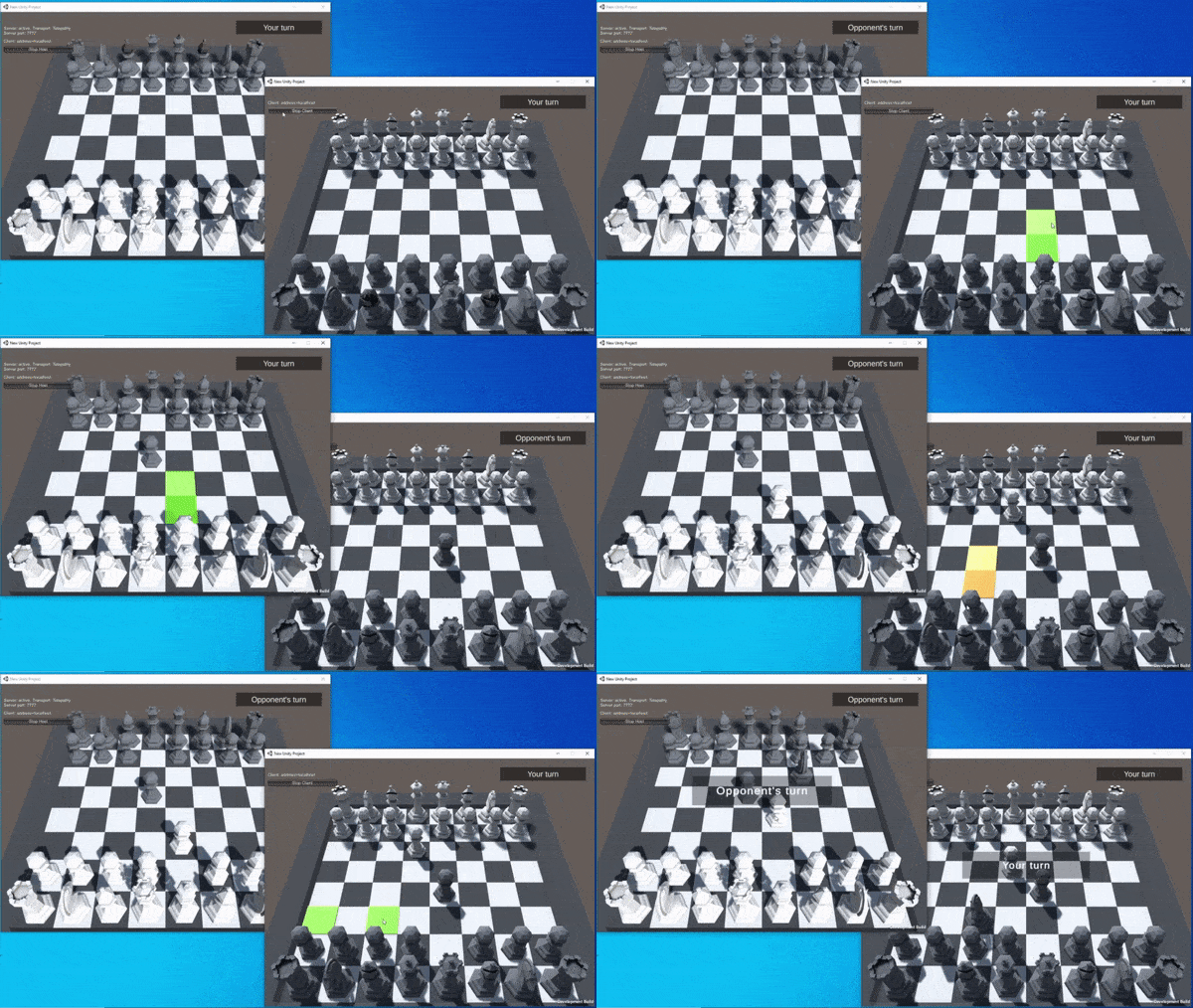
Multiplayer Chess prototype made in Unity using Mirror for online functionality.
I wanted to test Mirror as an alternative to Photon as a networking library. I implemented the logic for pieces in an easy-to-extend manner so you can make your own pieces with custom movement rules.
This was also a good exercise to get used to multiplayer architecture (RPC, Network Authority, Synchronization, etc.)
Tools
One Click Build Pipeline
C# Unity3D | Tooling | CI/CD / Build Automation
A complete ONE-CLICK Continuous Integration pipeline designed to automate the entire end-to-end process of building and publishing game updates.

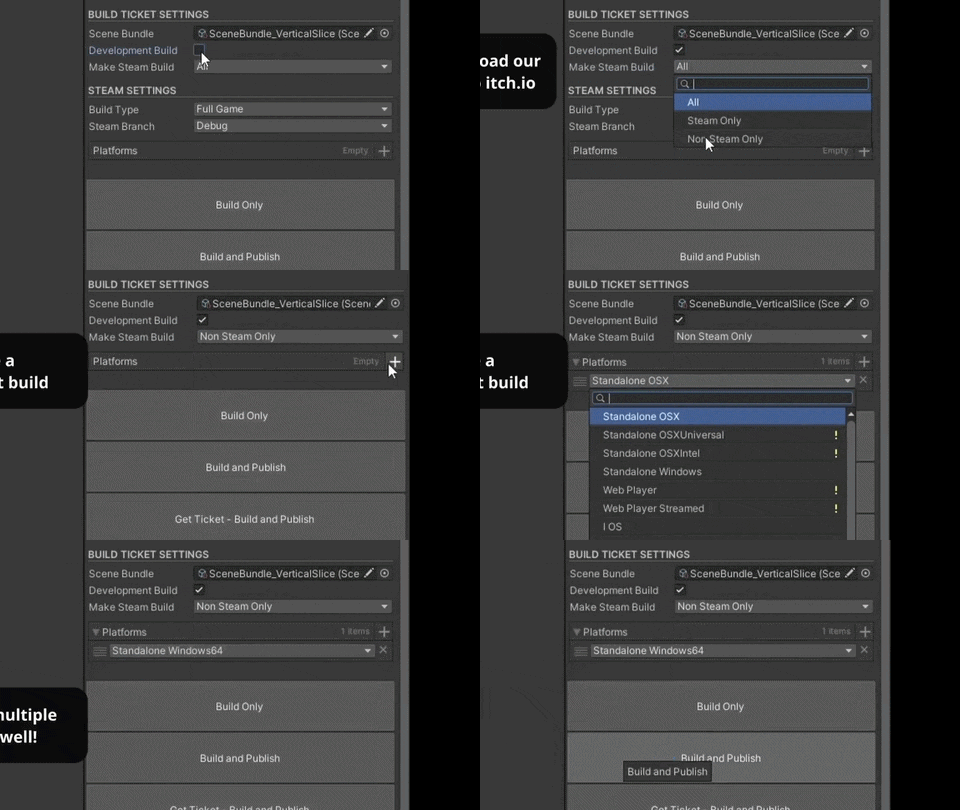
1. Trigger: The pipeline is triggered by either a manual request, a git commit, or an automated script.
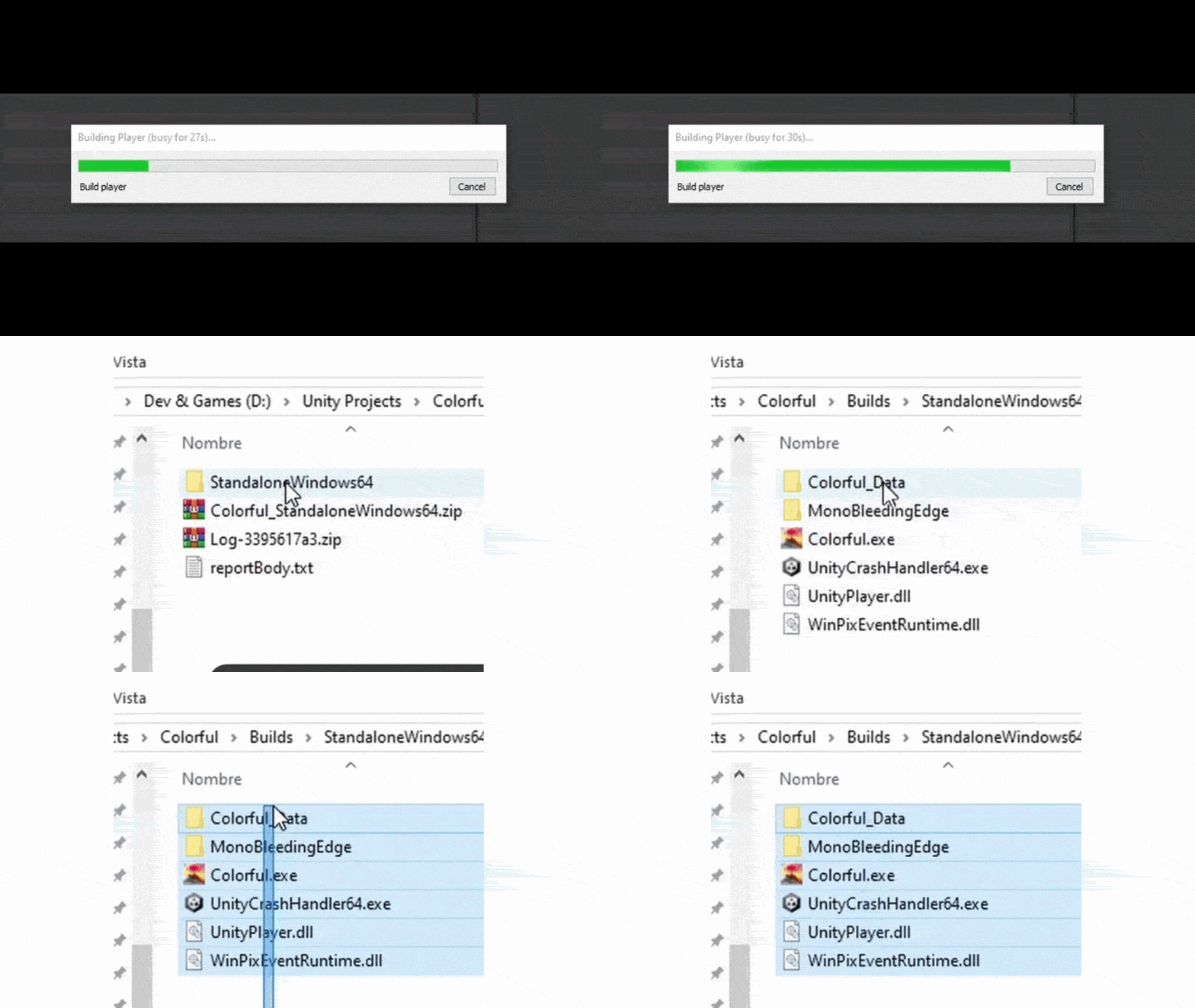
2. Compile & Package: The pipelines compiles the game in multiple platforms (PC, Mac, etc). It also handles scripting symbols to include or remove the Steamworks API and sets wether this is a debug or release build. The resulting builds are packaged in zip files separated by platform.
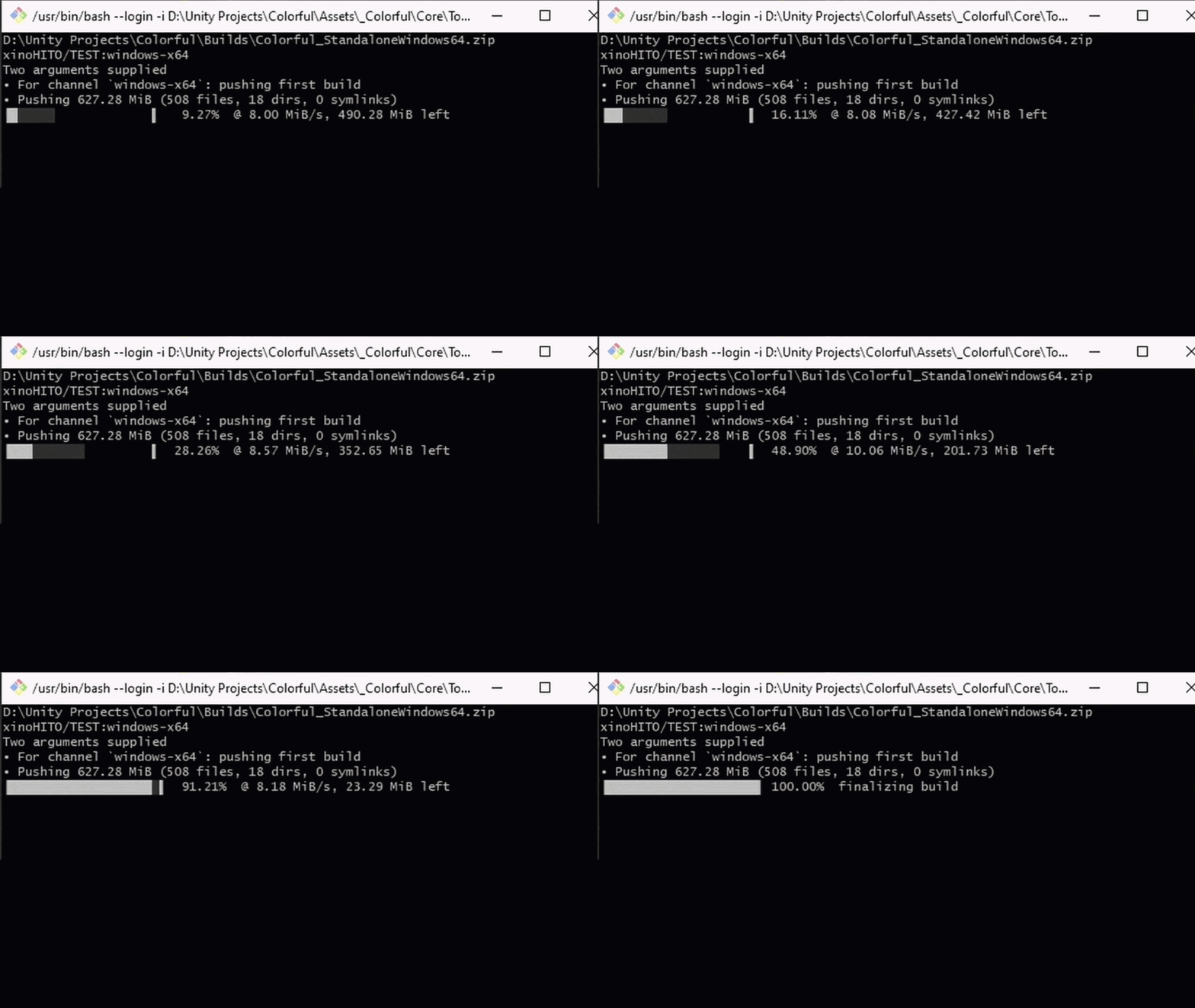
3. Upload: The pipeline opens SteamCmd or Butler.io (for itch.io) and starts uploading the builds to the specified branch/depot.
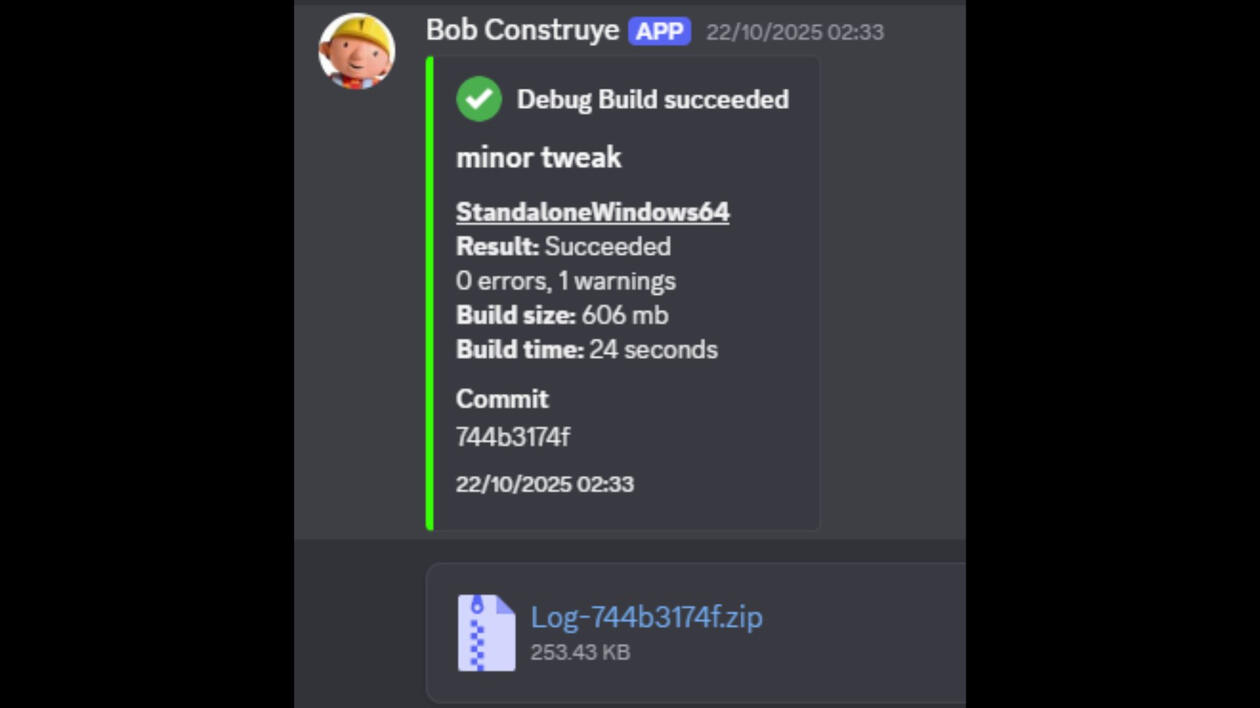
4. Notify : Once the build and upload process completes successfully (or fails) a Discord webhook is triggered to send a report with detailed information of the build (build number, platform, duration, target branch, and release status).
Multiscenes
C# Unity3D | Tooling | Systems Architecture
Custom Unity Editor extension that streamlines the workflow of multi-scenes.- Why this is useful: Modern games frequently break environments into modular scenes loaded additively (e.g., keeping core scenes like Player or UI, while additively loading Level or Lighting scenes). Manually loading these scenes is tedious and error-prone.
- Single-Click Multi-Scene Loading: Allows developers and level designers to define scene groups or presets and open multiple dependent scenes simultaneously with a single click.
- Editor Integration: Integrates into the Unity Editor (via custom Inspector scripts) to quickly switch between split-scene setups.

Technical Art
Anime style shader
C# Unity3D | Tech Art | Character | Shader | Anime | Cel-Shading
Developed a custom shader for this character. Based on Arc System Works cel-shading style.The shader includes a customizable outline that adjusts based on the distance to the camera.
Interpolation script
C# Unity3D | Tech Art | Anime
I programmed a script in Unity that automatically applies a "stepped" interpolation to the character’s animation to emulate the look of anime’s limited animation (or animating in 2s).This has the added benefit of applying the interpolation to objects moved by simulation. In this example, the character’s scarf and jacket are moved via simulation.
Stylized cel-shading
C# Unity3D | Tech Art | Character | Shader | Cel-Shading
A custom shader I made for a new enemy.The shader has a variety of effects that manages all the coloring and effects. It includes the scrolling stripes on the spider’s talons as well as the “breathing effects” on the pink highlights. Finally, it uses a mask to also “dissolve” the enemy when it gets hurt or dies.The textures are only black and white masks.
Coloring shader
C# Unity3D | Tech Art | Environments | Shader | Vegetation
Custom shaders I made for the environment.It applies both color and vegetation to the environment based on a black-and-white mask in world space.It also uses a special emissive border to ensure a nice transition between the colored and non-colored parts.
Force field
C# Unity3D | Tech Art | Shader | Gameplay Integration
A VFX for to mark the arena's bounds for my 3D action game Colorful.It was important that this effect didn't ofuscate the environment while providing clear visual feedback to where the arena's bounds are.For this, I implemented this shader on a cube with inverted normals. It shows a "scan line" effect based on the player's height. The player can clearly see where the arena bounds are while the rest of the cube is transparent. I also implemented a proximity effect when the player got close to a wall or the ceiling.Finally, when enemies spawn the force field transitions to a darker version with a different patterns to clearly denote when enemies are around.
Mobile Projects

MeganPlays Cute Candy Celebration: From the YouTube channel MeganPlays comes a brand new experience! Join Spin the prize wheel for an extra boost in power! Join Megan as she explores a brand new world!
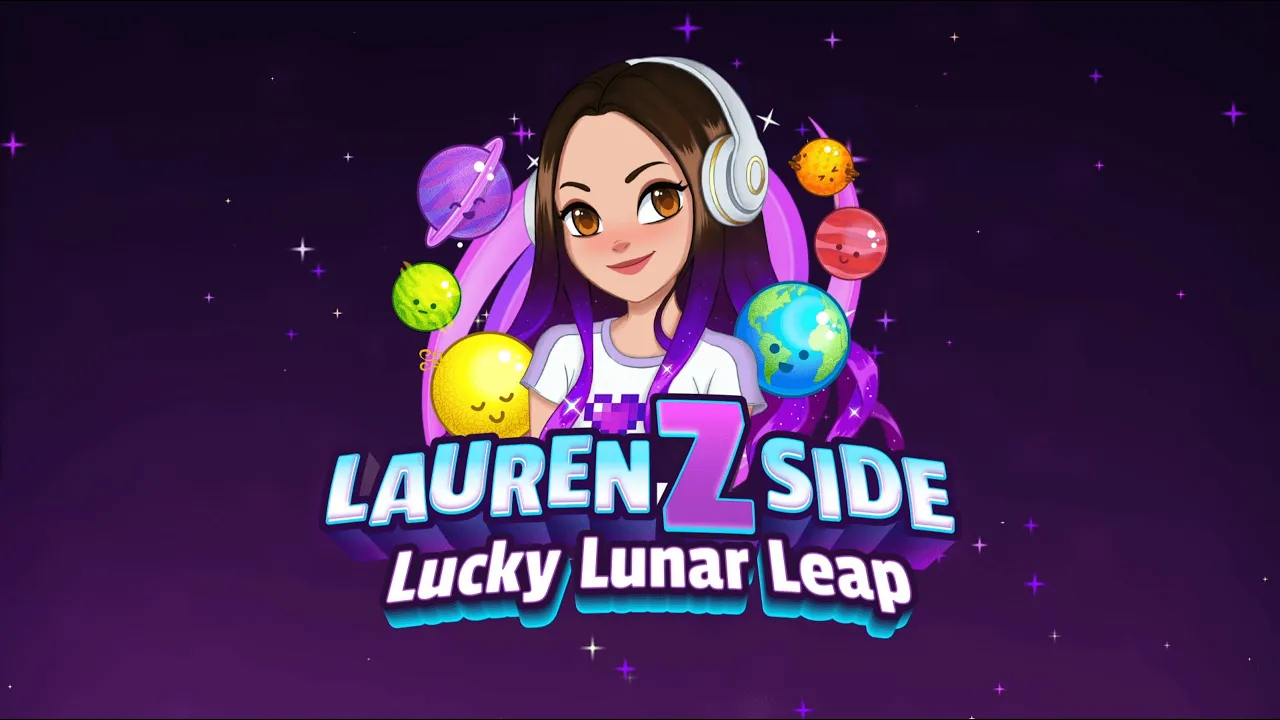
LaurenZSide's Lucky Lunar Leap: Join LaurenZside as she explores a brand new world! Hundreds of never explored worlds!
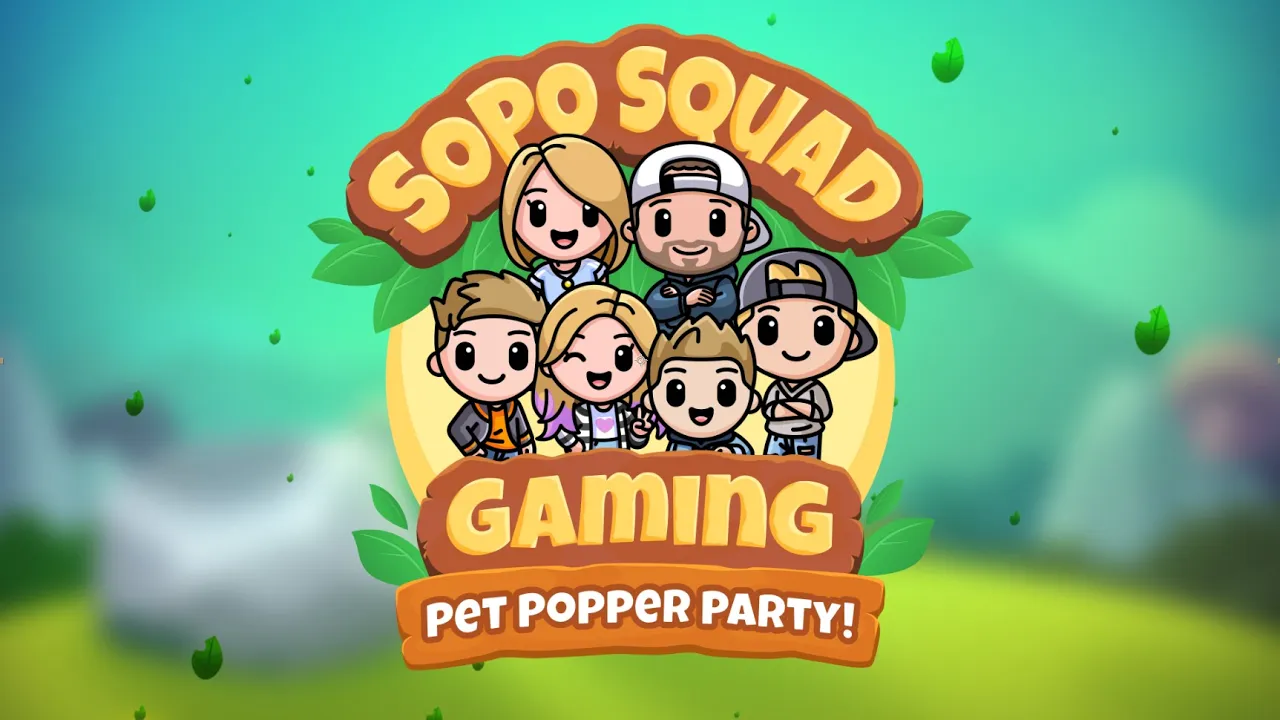
Sopo Squad Gaming Pet Popper Party : Join the Sopo Squad as they explore a brand new world! Hundreds of never explored places!
Join Sopo Squad in this Bubble Popping Extravaganza!
Other Projects
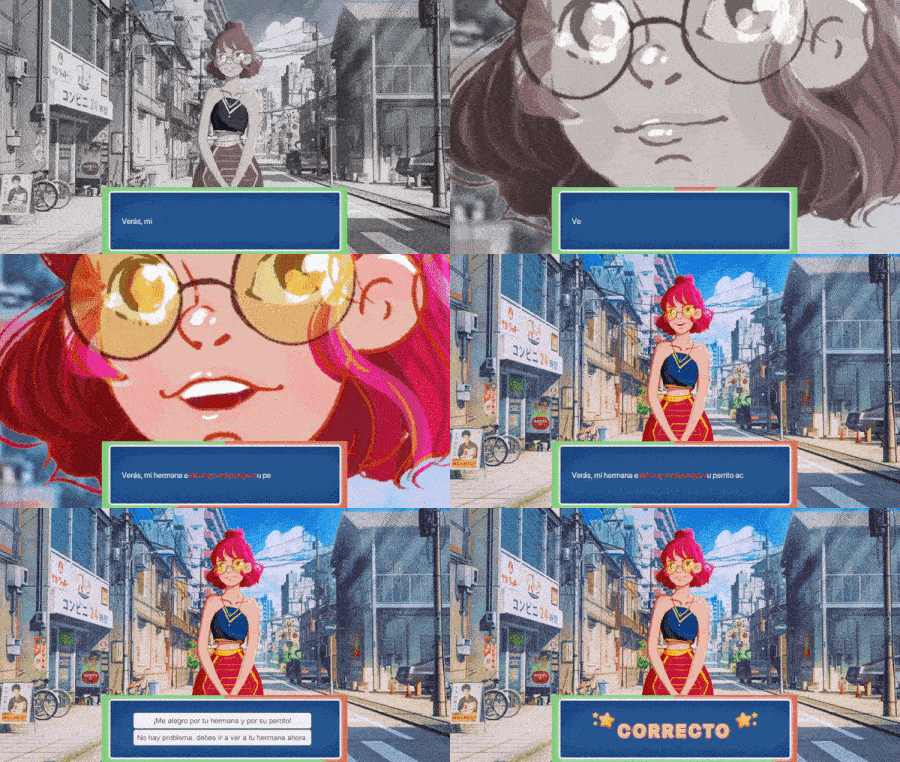
Broken Connection: A visual novel where the protagonist has auditory problems. Read your friend’s lips but be careful not to overdo it or she’ll get uncomfortable with you!
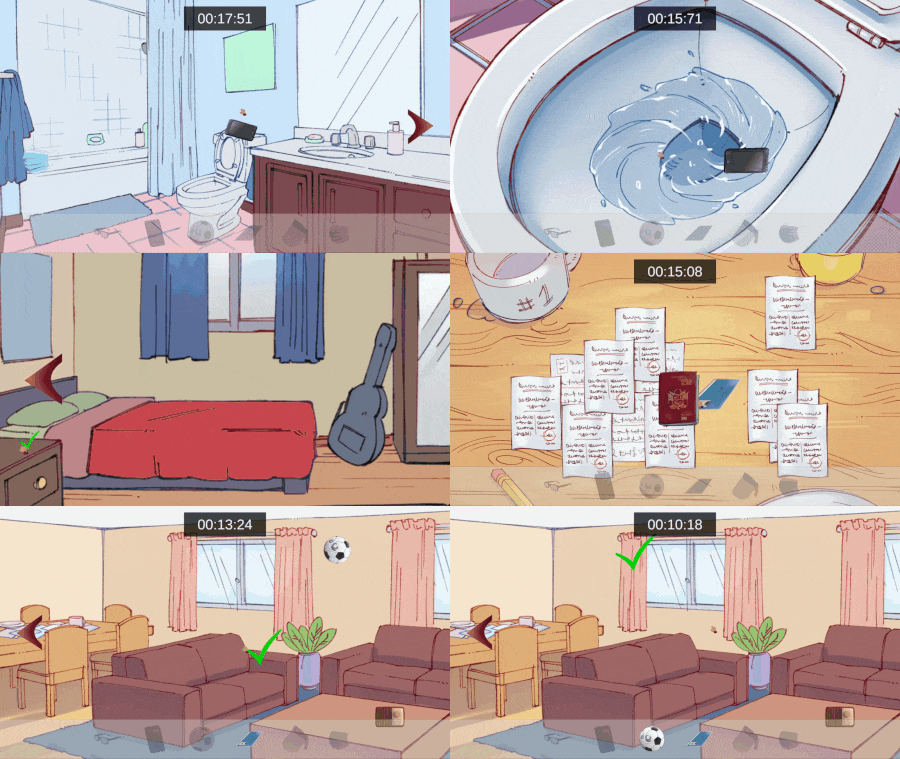
Morning Rush: A stressful Point & Click where you must find all your stuff to get ready for work. Just one small detail... you only have 20 seconds to find everything!!
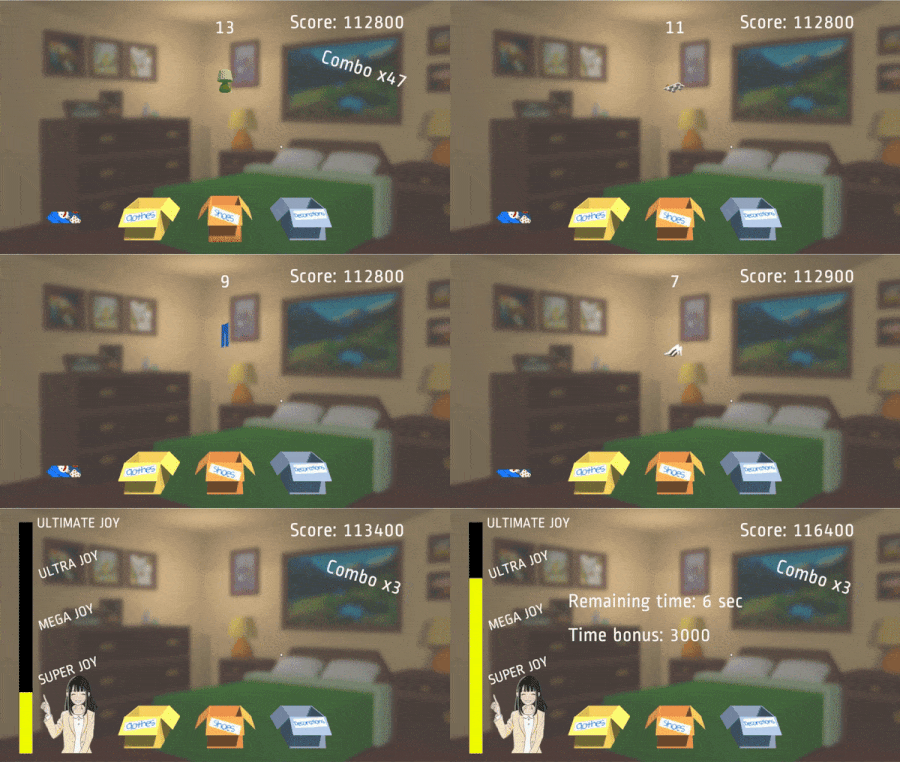
Box It: BOX IT is a fast-action puzzle game inspired by Marie Kondo's philosophy where you have to sort stuff and box them. Play well and fast to increase your JOY meter!
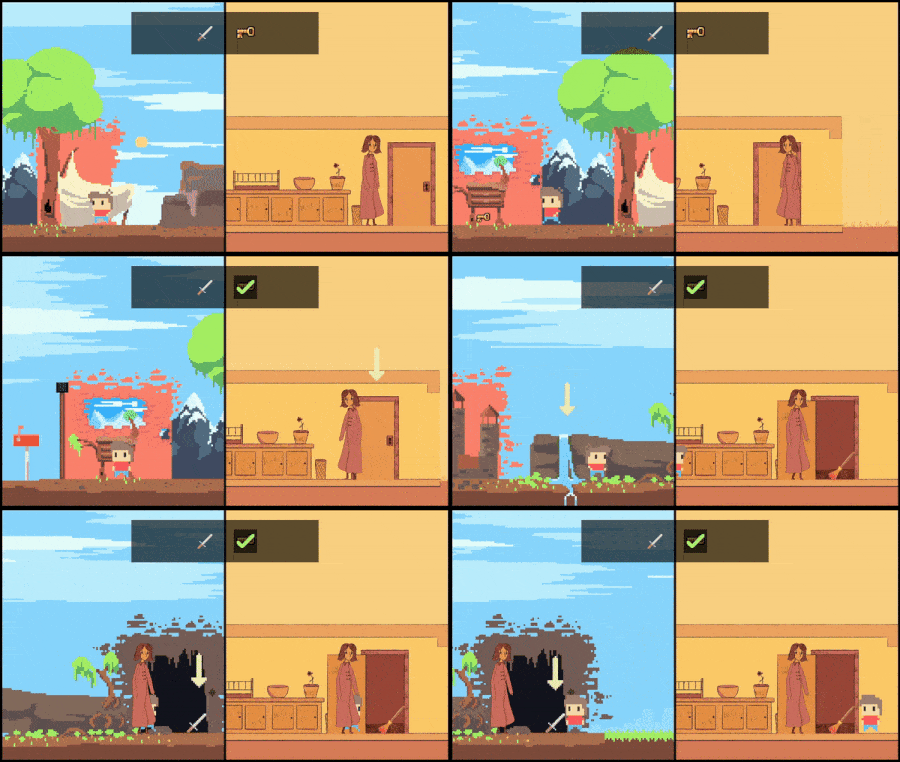
Views of the World: A split-screen multiplayer where 2 players play as a boy and his mother. Each player sees the house from a different perspective. You must collect items while collaborating.
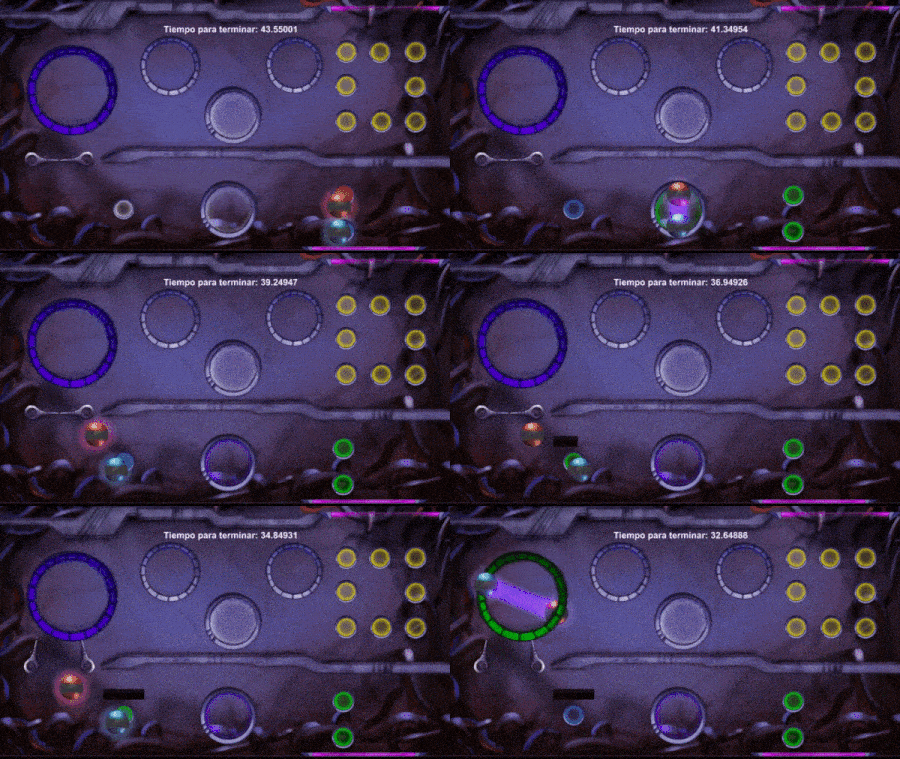
Rebels: A co-op puzzle game where the players control two robot neurons trying to free the android they live in from the self-obliterating code he has to follow.
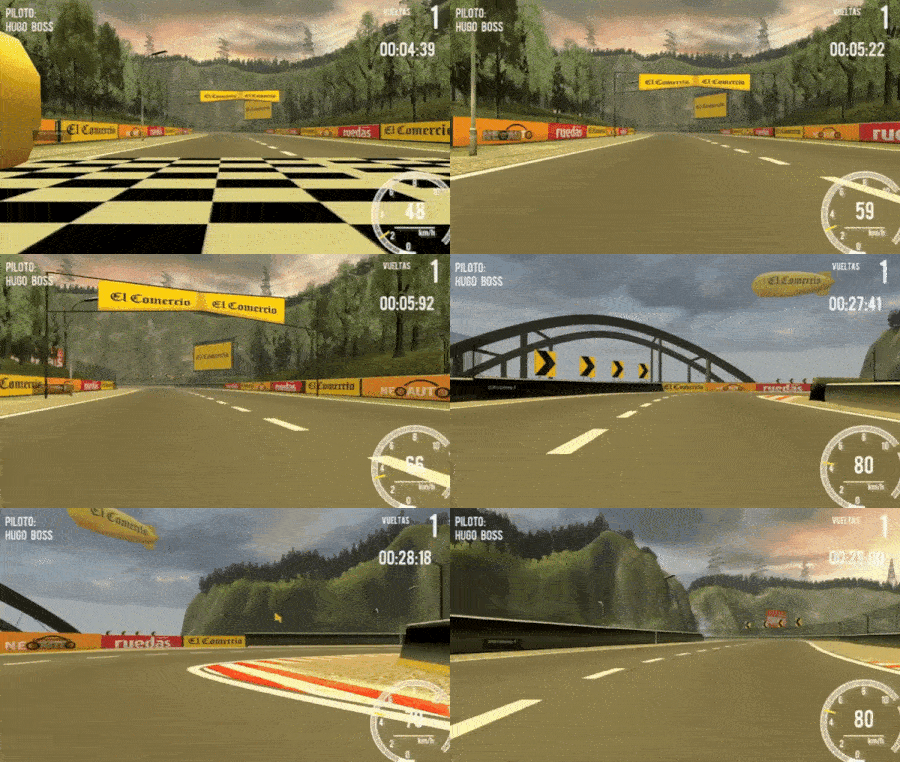
Grand Prix El Comercio: Advergame project. A 3D racing game for the biggest car show event in Peru, the Motorshow. Contestants participated to get the best time to win!

Colorful
A parkour hack-n-slash where you must restore color to a dying world. Use your magic brush to glide, wall run, and grind your way through a dreamlike landscape while hack-n-slashing dark enemies!
Ability System
C# Unity3D | Gameplay | ScriptableObjects | Decoupled Data
A modular system I implemented that allows the player to use different abilities.All abilities have their own logic and interact with the player in their own way. Abilities’ logic is decoupled from the player’s code. Most abilities give the player a unique way of traversal around the environment (railing, sliding, bouncing, etc).The system allows for deep customization including defining what abilities or player states can cancel each other. It can define events that will be called inside animations and more.The system decouples the ability data from the logic. This allows for easier reuse of content. For example, the player can fill a bar to “power up” the next ability he uses. This “powered up” ability reuses the same logic but uses different data.
Enemy spawn system
C# Unity3D | Editor Tool
I created a tool for an enemy spawning system. It includes editor tools for ease of use. It gives you movable spawn points for different types of enemies.It also includes parameters per type of enemy to handle options like spawn delays and spawn VFX.It broadcast events when the system finishes spawning an enemy wave and when all the enemies in the wave have been killed. This allows easier integration into the game while keeping the game's systems decoupled.
Enemy AI
C# Unity3D | Behaviour Trees | State Management
I programmed the AI for enemies using Behaviour TreesThis included complex behavior including detecting, pursuing the player, roaming around him, and then attacking.The enemies interrupt their behavior while being hit/knockback.Enemies can even scale up walls while pursuing the player.
Quest Haven
QuestHaven is a PC and VR tabletop RPG platform created with a passion to bring adventures together! It’s not a game but an environment with a set of tools to play your games, your way.
Building System
C# Unity3D | Gameplay | Existing Codebase | Systems Architecture
I came into the project with this system already in place but in a more basic form. I learnt the codebase on my own and then proceeded to refactor and clean the code architecture while adding new features.I added tile snapping to the grid and also to other objects, rotating the tiles and building pre-made structures (such as walls with floors) by simply clicking and dragging the mouse.I also added many visual touches to make the system more intuitive and have a better presentation like a “ghost” to show where an object will be placed similar to RTS or factory games.I also developed the shader for the grid that snaps to specific measurements when the player wants to place new tiles.
Search UI
C# Unity3D | Responsive UI | UX | UI Redesign
I implemented a search UI to handle the considerable amount of various assets the game supported.The project already had an asset database with tags for objects. I implemented the search UI to connect and use the tags as search filters in an intuitive presentation. I implemented a set of broader main categories (walls, door, floors, etc) for type of objects along with more specific sub-tags on each object for thematic categorization.I implemented a direct searchbar that looks for the tags included in the objects.I also refactored the search UI to make sure it was responsive for more extreme PC resolutions such as Ultra Wide (21:9)
Grouping system
C# Unity3D | UX | Tooling | Recursive Serialization
I implemented a system that allows players to group and ungroup objects. You select multiple objects and select the “group” option. Then the group moves all objects as one. The system also allowed players to put groups inside other groups for more complex constructions.
Save/Load System
C# Unity3D | Serialization | Web Requests
Save/Load system I implemented that serializes and deserializes the maps users create. It serializes and deserializes the information of the map:• Terrain (height and texture data)
• Transformation data of Objects placed by the user (position, rotation, and scale).
• Group data. For grouped structures, it can recursively serialize groups for any level of complexity.The map data includes tiles, player figures, NPC figures, decorations and other types of objects. The system serialized this in a easy to share format that can fit in small files. This was vital to allow players to both download and upload their creations so everyone can play them!
Technical Art
A few samples of different shaders and visual effects I’ve worked on.
I particularly enjoy stylized visuals!
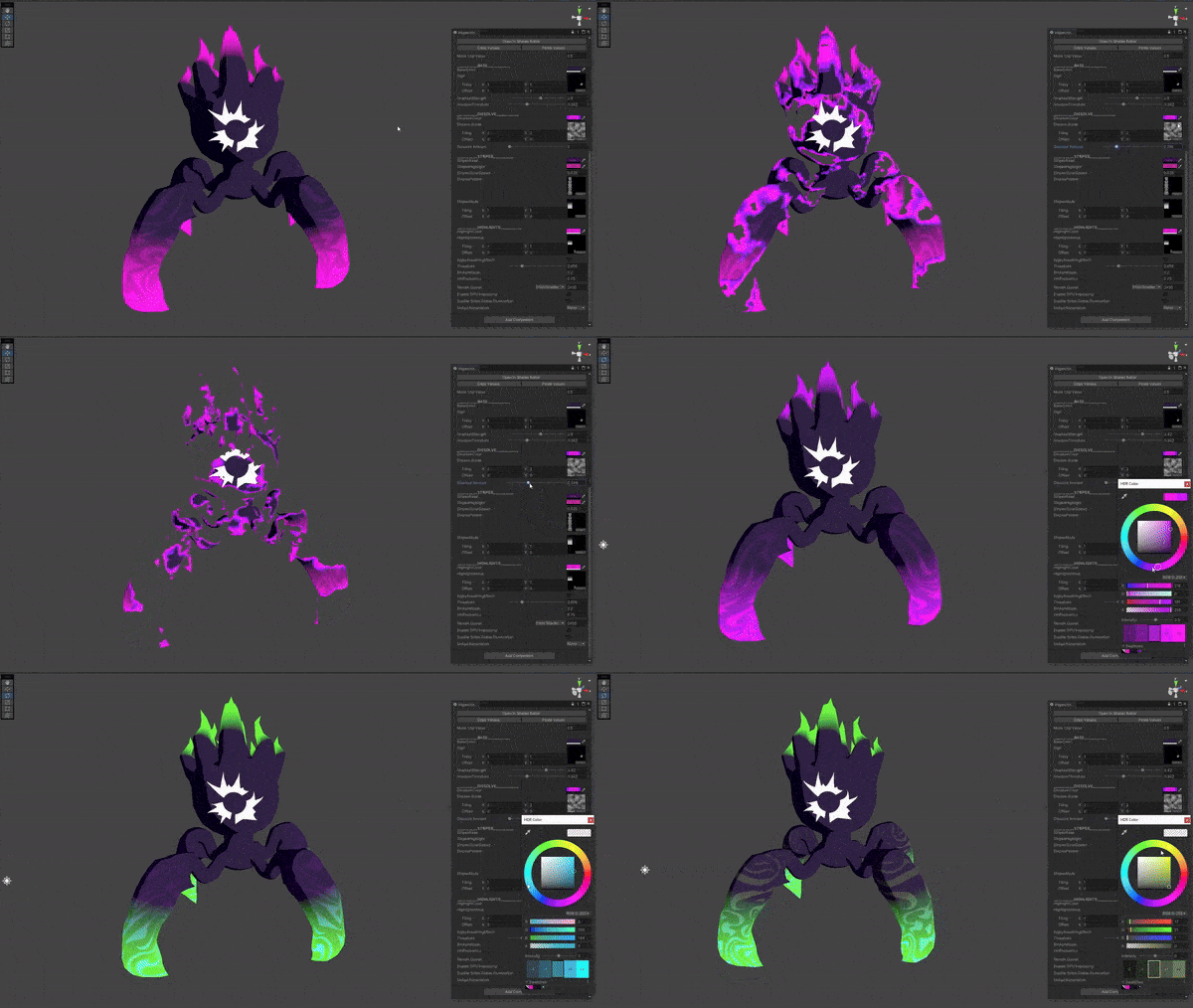
Stylized cel-shading: A custom shader I made for a new enemy. The shader has a variety of effects such as cel-shading, the scrolling stripes, customizable color highlights and the dissolve effect.

Coloring shader: Custom set of shaders. It applies color and vegetation to the environment based on a mask in world space. It uses a special emissive border to ensure a nice transition.
Anime style shader
made the custom cel-shader for this character. Based on Arc System Works's style of cel-shading.The shader includes a customizable outline that adjusts depending on the distance to the camera.
Interpolation script
I programmed a script in Unity that automatically applies a "stepped" interpolation to the character’s animation to emulate the look of anime’s limited animation (or animating in 2s).This has the added benefit of applying the interpolation to objects moved by simulation. In this example, the character’s scarf and jacket are moved via simulation.
Stylized cel-shading
A custom shader I made for a new enemy.The shader has a variety of effects that manages all the coloring and effects. It includes the scrolling stripes on the spider’s talons as well as the “breathing effects” on the pink highlights. Finally, it uses a mask to also “dissolve” the enemy when it gets hurt or dies.The textures are only black and white masks.
Coloring shader
Custom shaders I made for the environment.It applies both color and vegetation to the environment based on a black-and-white mask in world space.It also uses a special emissive border to ensure a nice transition between the colored and non-colored parts.